
The Manage Snapshots tab is where you’ll create and publish snapshots, as well as control which live is round. Once all the Campaign Settings are configured in your campaign, you are ready to set up your campaign’s snapshots and prepare for going live.
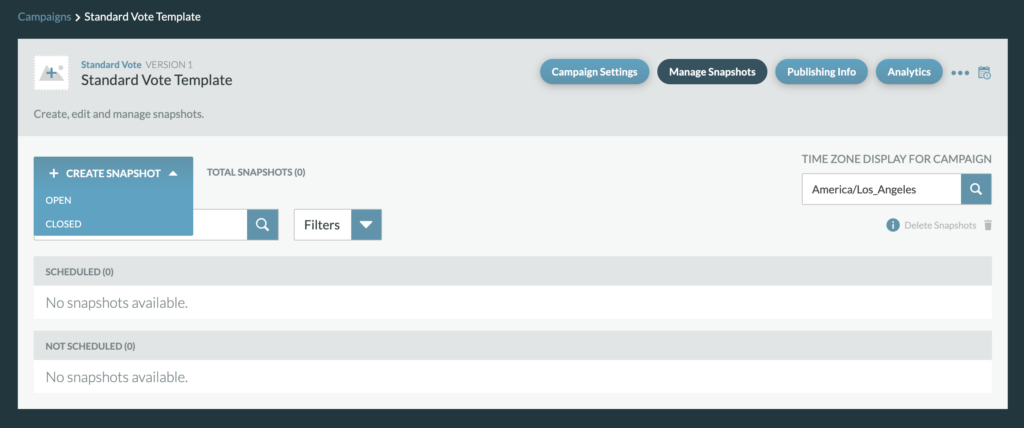
A Snapshot is a defined collection of copy and settings that will appear on your campaign for when the vote is live.
There are two types of snapshot types, an Open Snapshot and a Closed Snapshot.
Open Snapshot: An open snapshot will be used to enable active voting. Settings within the Open Snapshot includes:
- Contestant Options: category copy, contestant information, contestant images/videos, and winner selection
- Voting Settings: categories, multi vote options, daily vote limits, and login & registration
- Styles: font color/size, background color, images, logos, branding
- Copy: headlines, descriptions, CTAs
Closed Snapshot: A closed snapshot will be used with the vote is not active and does not support active voting. This snapshot type is used before the campaign goes live and when the campaign has ended. Settings within the Closed Snapshot includes:
- Header
- Closed page specific copy: headlines, descriptions
- Optional countdown clock