
To manage the Scratcher prizing and seeding, click the “Prizing” button on the upper right hand corner within the campaign.

Once on the Prizing page you can create prizes and seed prizes.

Prize Creation
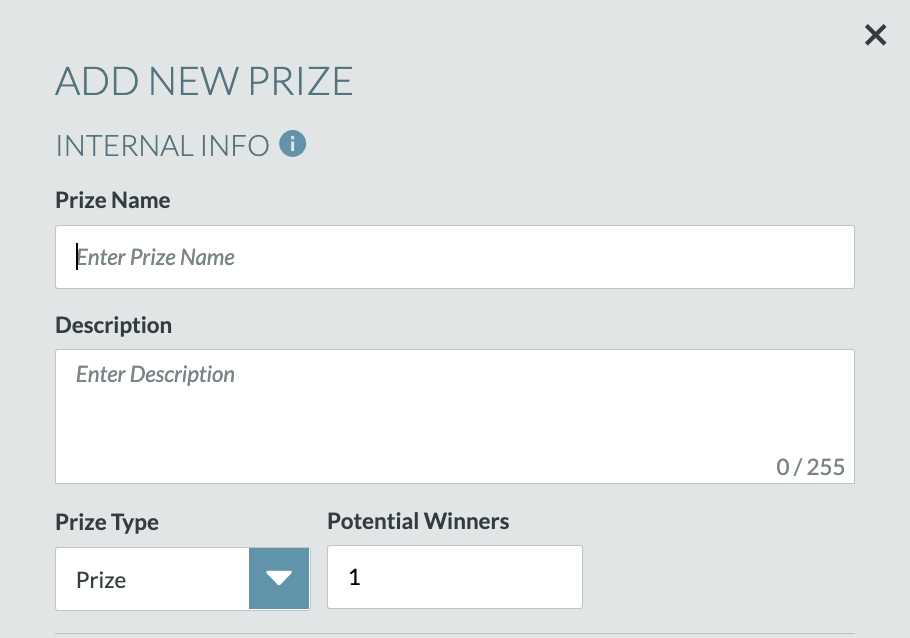
Select “Add New Prize” for each new prize. From the modal, complete the internal and external information needed to setup and create the prize.
- Internal information is used by the application to provide information to users utilizing the manage prizing platform
- This information will not be seen by end users
- External information is what end users will see
The internal information needed includes:
- Prize Name
- Description
- Prize Type (Prize vs. Coupon)
- Prize: This type of prizing is used when there are not multiple coupon codes to give to end users (e.g., physical prizing, repetitive discount codes, digital rewards)
- Coupon: This type of prizing is used when handing out multiple redemption or coupon codes (e.g., different code per winner, gift cards)
- # of Potential Winners
- Upload Coupon List (only applicable for Coupon prizing)
- Clicking the “i” icon next to “Upload List” will allow you to download a csv template to complete your coupon list
- Once completed, click “Upload List” and select the completed csv (only csv files are accepted and the headers from the template should not be changed)

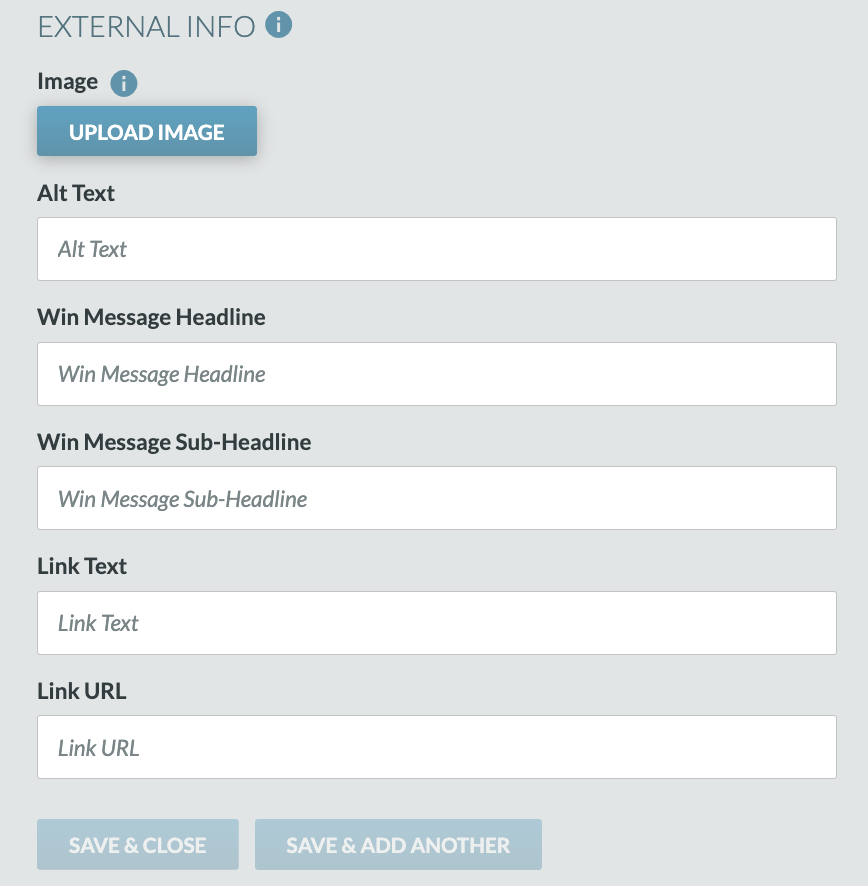
The external information needed includes:
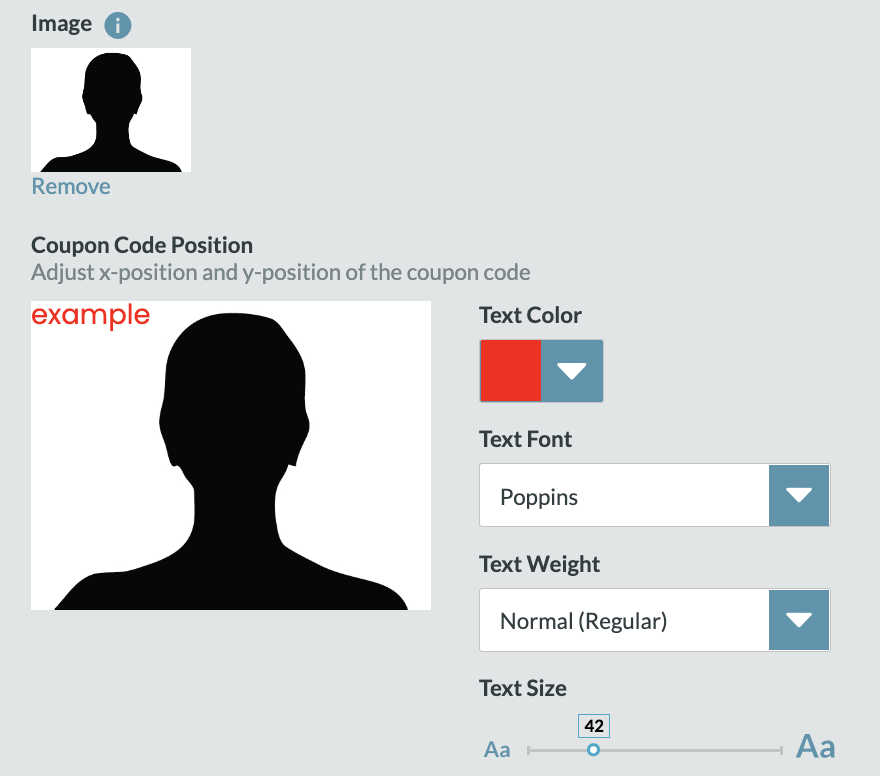
- Image
- After uploading an image for coupon prizing, you are required to position your coupon code on over your image
- Choose the text color, font, weight, and size of the coupon
- Alt Text (used for end users who require screen readers for accessibility purposes)
- Win Message Headline
- Win Message Sub-Headline
- Link Text (optional)
- Link URL (optional)
- When link text and link URL are not provided, the “Claim Prize” button within the Confirmation View will not be visible to end users
Prize Seeding
Select “Seed Prizes” to allocate prizes across the campaign.
- Random vs. Manual
- Random prize seeding will distribute the prizes between the campaign dates entered
- Manual will seed a prize at a specific time chosen by you


- Use the dropdown to select the prize type that you want to seed
- “Export” will automatically download your list of seeded prizes
- Select unawarded prizes and click “Remove Selected Prizes” will remove checked prizes
- “Remove All Unclaimed Prizes” will remove any available prizing
