
To view your publishing info, click the “Publishing Info” tab on the upper right hand corner within a campaign.
On the Publishing Info page you will see two things: the Campaign ID and a URL.
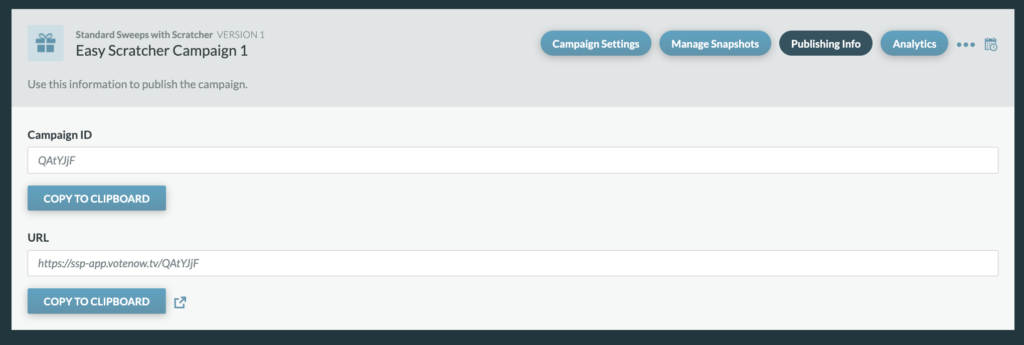
Campaign ID: The Campaign ID is unique to every campaign and is auto generated from the platform. Campaigns can be located by searching with this ID.
URL: The URL that is promoted and used for the sweeps. You can click “Copy To Clipboard” to copy the URL and you can click to open the URL within a new window.