
The confirmation page is what users will see after their sweeps entry has been successfully submitted.

Add Header, Share Buttons, Media, Sponsor Graphic Group, Headline, Sub-Headline, and Text will all automatically mirror the Entry Page View.
To make any of these items differ from the Entry Page View, click the pencil icon next to the field and uncheck the “Apply From Entry Page” checkbox and begin edits.
Customize the entry confirmation message and duplicate submission message by clicking on the pencil icon near the copy on the screen. Note this message can contain bold, italicized, and linked text.

An additional secondary message can be added after these messages as well as three additional text links.
Add Footer: 2 footer texts and 5 footer links can be added to the bottom of the page.
Colors and Design
You can make the confirmation page match the entry page or make it unique by changing the background, colors, and media options.
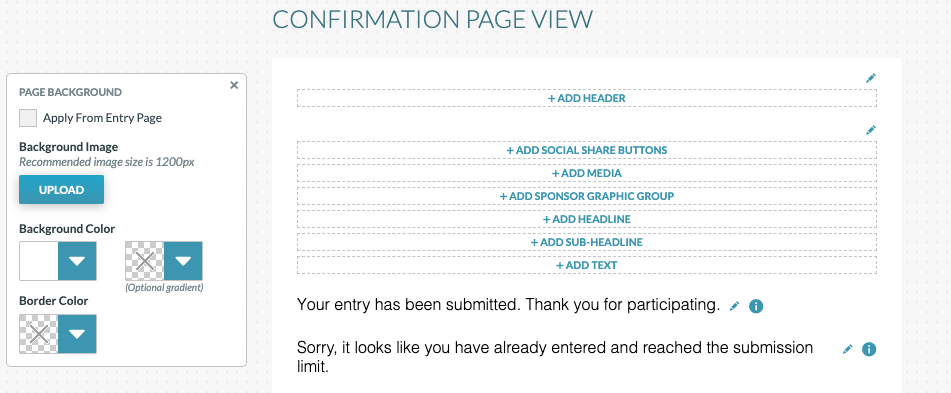
Backgrounds, text colors, sizing, fonts, and url colors can all be customized in the sweeps template.
Schedule Snapshots
To Schedule Snapshots, please reference the Campaign Manager Manual.