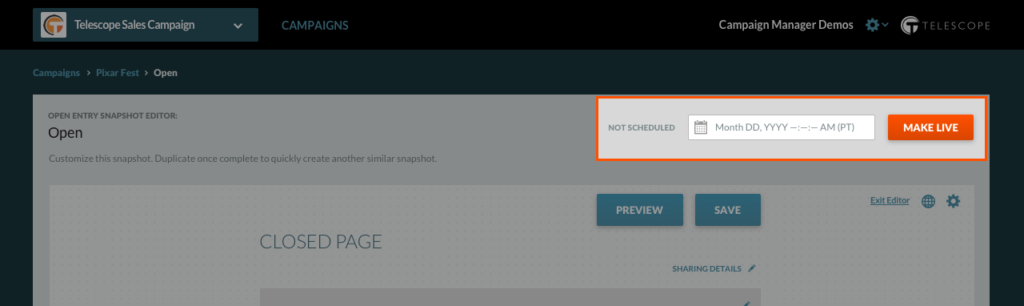
There are two places where a snapshot can be scheduled or made live.
1. In the Snapshot Manager
You can manage the scheduling of snapshots from the Snapshot Manager. Click “Make Live” at any time to publish the snapshot within the platform or schedule by clicking the date box [Month DD, YYYY].

2. Directly in the Snapshot Editor
You can schedule a snapshot directly from the Snapshot Editor Page at the top right corner above the Preview and Save buttons in the same [Month DD, YYYY] layout. You can also “Make Live” at any time to publish that snapshot within the platform.