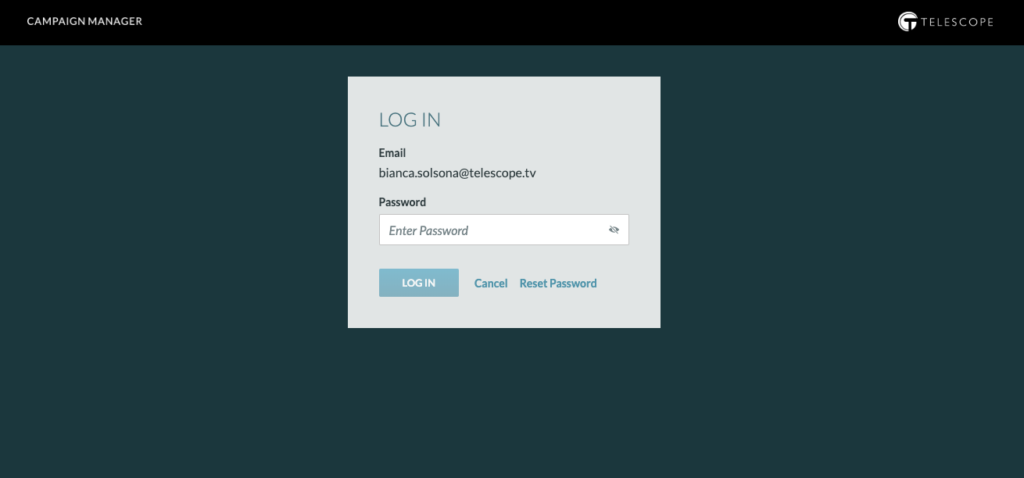
Below “Reset Password” information is only for those clients using Telescope passwords.
Upon login, if you forget your user password, click the “Reset Password” link next to the “Log In” button.
Once you click “Reset Password,” you will receive an email with a temporary password.
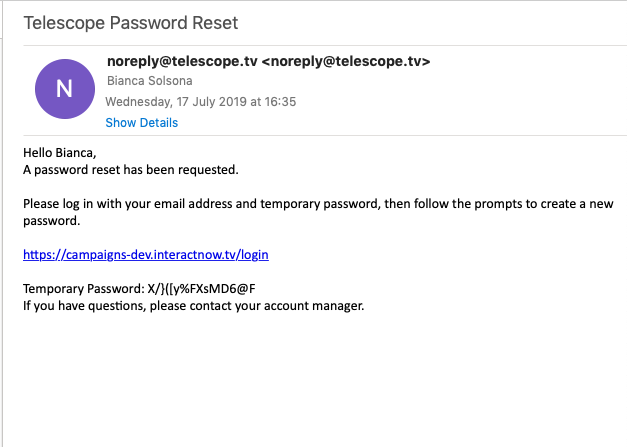
Copy your temporary password and click the link provided within your email. This link will allow you to create your new password.
Note: Temporary passwords expires within 14 days.
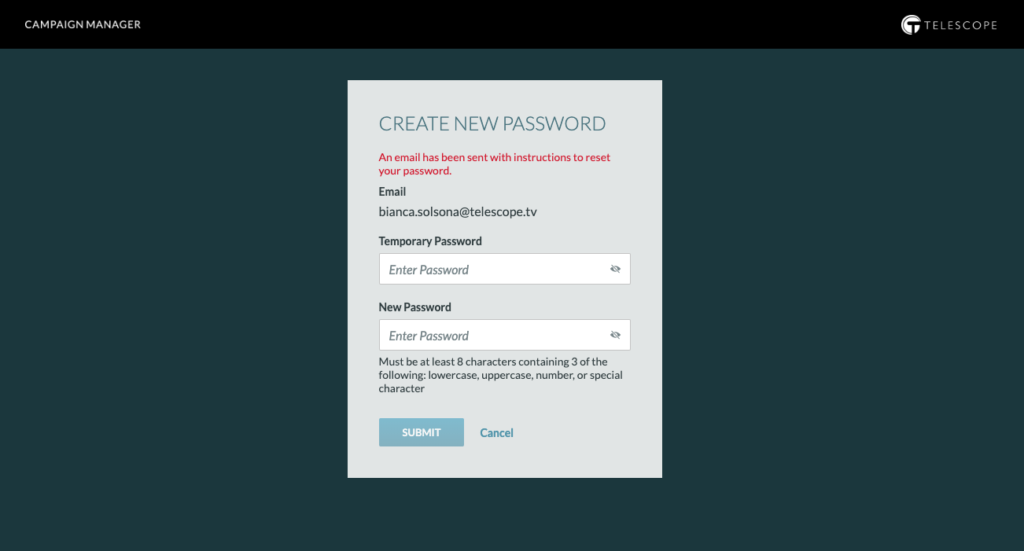
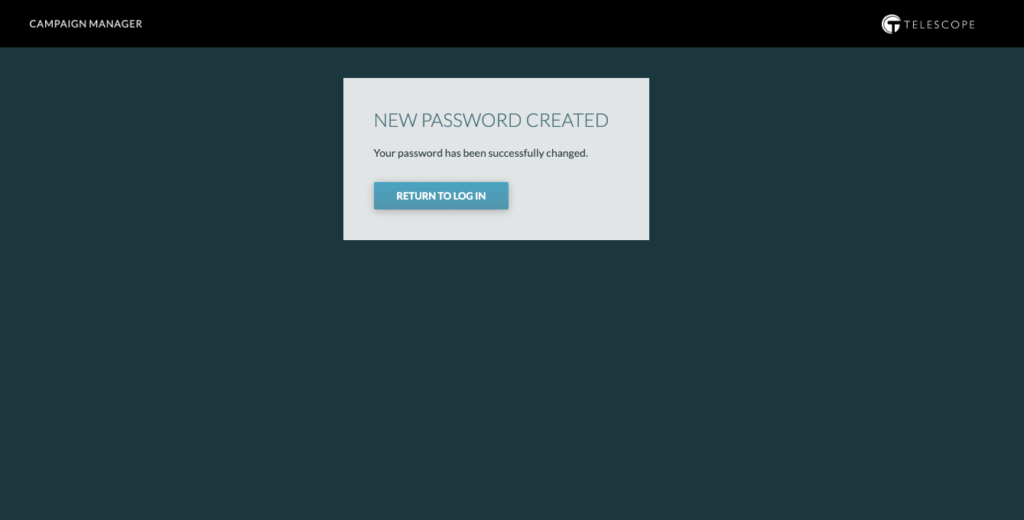
Once you type in your temporary password as well as your new password, you will receive a confirmation message and can proceed to log in.