Each account has pre-determined templates associated with it.
To create a new campaign, select the template that fits the new campaign being created.

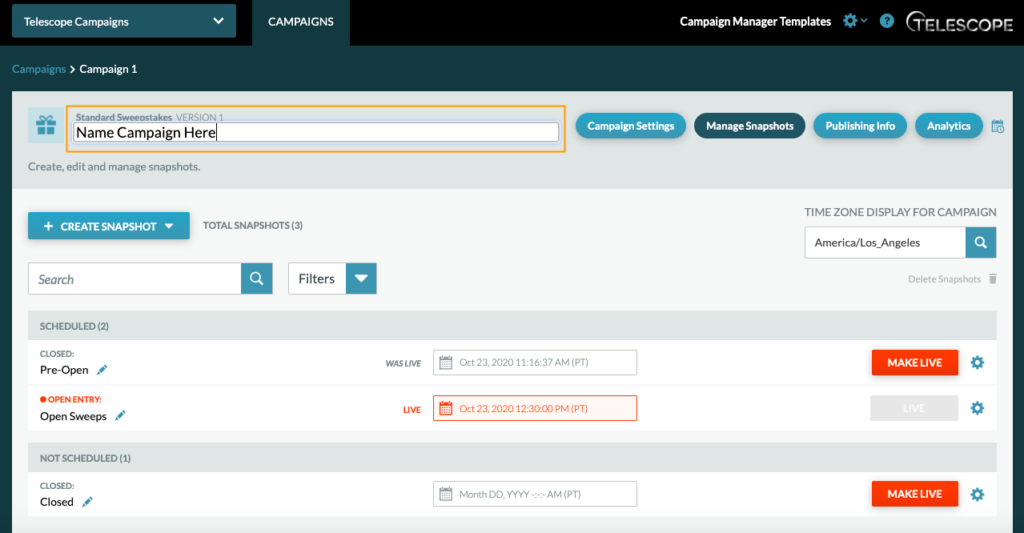
Once you select a template, you will be brought to the Campaign Settings of the newly formed campaign.
In the Campaign Settings, you can:
- Name the Campaign
- Edit the Campaign Settings – edit the 404 Error Page, Geo Restrictions, Page Info, Social Sharing Content, Official Rules & Terms of Use links, and add Google Analytics (depending on your account)
- Navigate to the Manage Snapshots, Publishing Info, and Analytics tabs
Name Campaign
To name a campaign, simply click on the text and edit.