
Custom fonts can be added to each Rankify campaign.
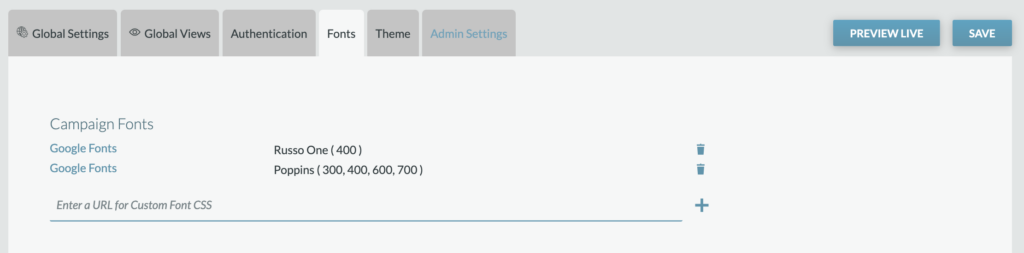
From the Fonts tab, a Producer will enter the URL for the Custom Font CSS.

Once entered, click “+” and then see the font added to the Campaign Fonts list.

Please note that all font licenses rules should be followed accordingly. We recommend utilizing Google Free fonts and Adobe Fonts (if a license is available). Please contact your Telescope representative if you have questions about adding fonts.