
This tab includes settings that will determine the same styles, header/footer, errors, navigation, and other important campaign features across all snapshots:
Sitewide – Styles
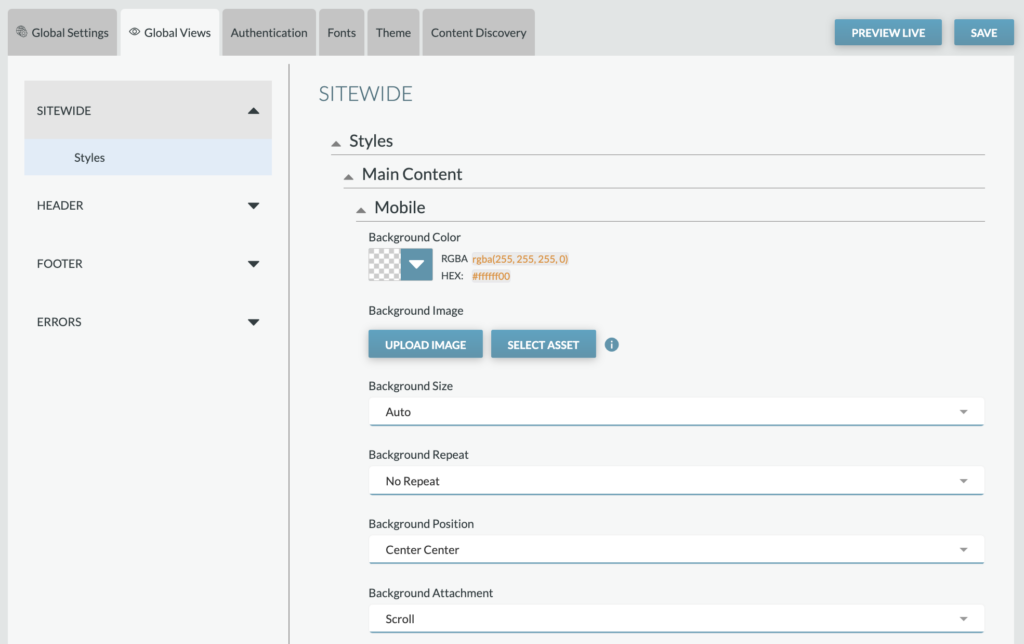
Background Color and Image – Optional to have an image as the background, which will also require the size, repeat, and position to be set. Background color can also be set, which may live behind a PNG image or on either sides (if set to be full width).
If using an image, there should be a different image used for Mobile, Tablet, and Desktop.
Header
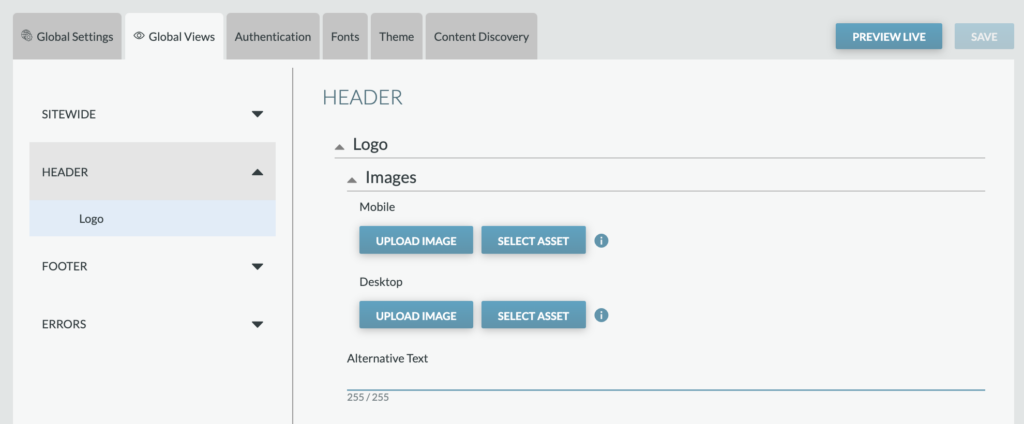
Logo – Optional to have a logo image appear within the header across all snapshots and views. Can include a mobile and desktop version, as well as alternative image text.
Footer

Settings – If Display Footer toggle is on, the footer will be displayed at the bottom of the product. If you would like to hide the footer, ensure this toggle is off. The Full Width toggle with determine if the footer will expand to the edge of the page (specifically on Desktop breakpoints) or if set to off, it will only be 980px in width.
Copy – Optional text that can appear within the footer (e.g., copyright info, legal language)
Links – Include link-outs within the footer by clicking to “Add Footer Link”, which include link text and the URL. Links order can be sorted manually by the up/down arrows on the left or the “Sort” can be set by alphabetical or alphanumerical.
Follow Links – Include follow link-outs within the footer to drive fans to social network pages by clicking to “+ Item”. Includes . Links order can be sorted manually by the up/down arrows on the left or the “Sort” can be set by alphabetical or alphanumerical. Includes social icon, URL, and alt text. Supported follow links include:
- Snapchat
- Youtube
- Twitter/X
- Twitch
- Tumblr
- Tiktok
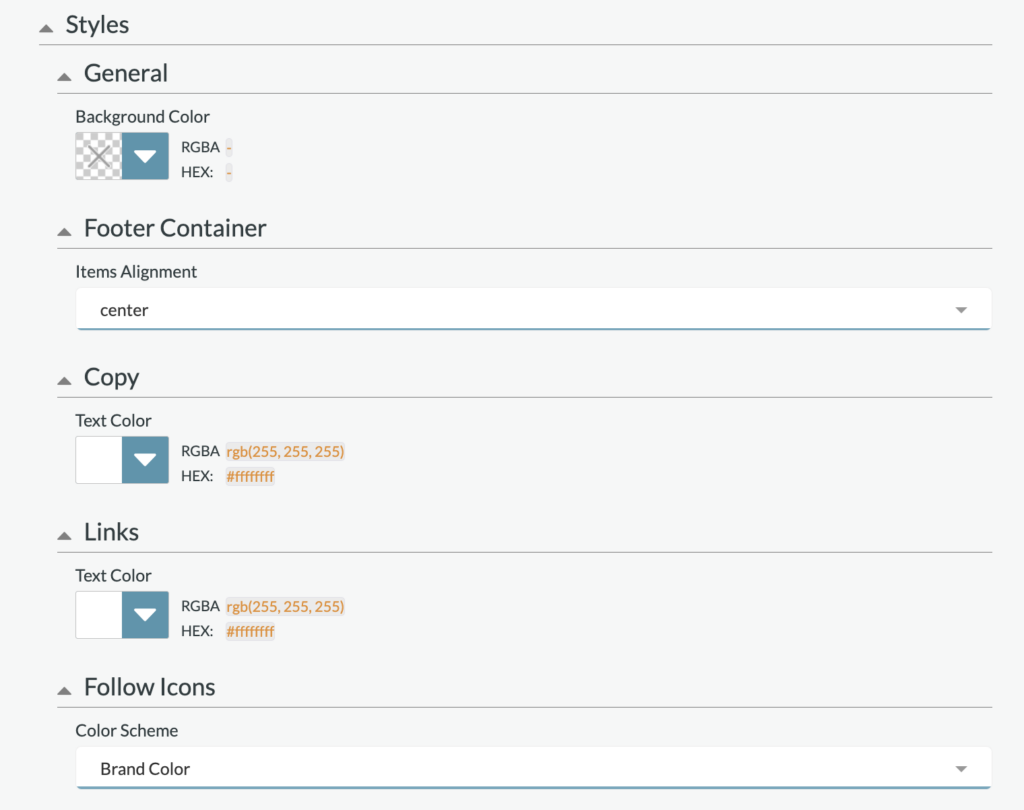
Styles: Set the global Footer styles, which includes background color, alignment (center, left, or right aligned), Text copy, link-out copy, and follow icon colors (social native brand color, black, or white).
Errors
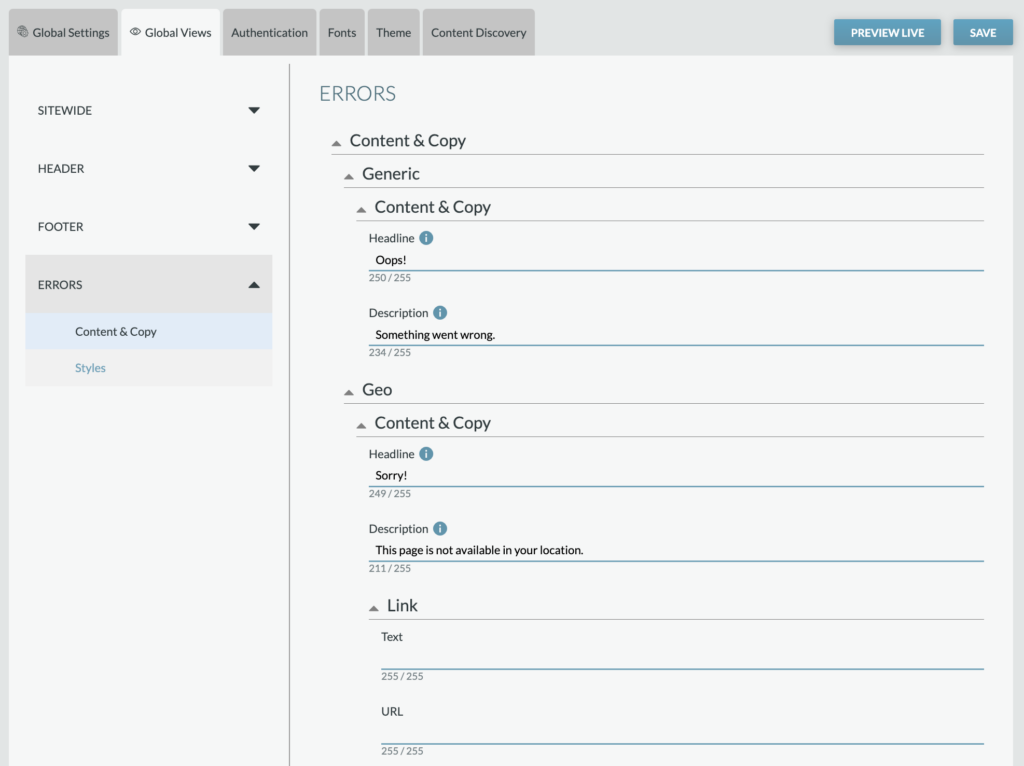
This section will let you set the error copy for your campaign. All errors appear within modals and some include buttons or links.
Please note that default copy has be pre-loaded within all of these error messages to minimize adjustments needed.
- Generic: This includes two text fields that will allow you to set the copy for the Headline and Description when a generic error happens
- Geo: This includes two text fields that will allow you to set the copy for the Headline and Description when a user is not in the specified geo location for this app. You also can include a link within this error modal.
- Overlimit: This is two text fields that will allow you to set the copy for the Headline and Description when a user has cast all their votes for that voting window.
- Window: This is two text fields that will allow you to set the copy for the Headline and Description when the application’s voting window has closed. This could occur when someone is on the site and the round snapshot has been set to inactive, but a user attempts to vote at the same time.
- Facebook Permissions: This is two text fields that will allow you to set the copy for the Headline and Description when a user chooses to not share specific necessary permissions with the app when logging in with Facebook. This error modal also includes a button that when clicked attempts the login process again with the user’s new permissions settings.
- Facebook Generic: This is two text fields that will allow you to set the copy for the Headline and Description when Facebook is not providing the necessary information needed for the user to continue. This error modal also includes a button that when clicked attempts the login process again.
- Apple Private Relay: This is two text fields that will allow you to set the copy for the Headline and Description when a user has Apple Private Relay enabled on their device. You also can include a link within this error modal; we recommend directing them to the Apple Support page to learn how to turn this off.