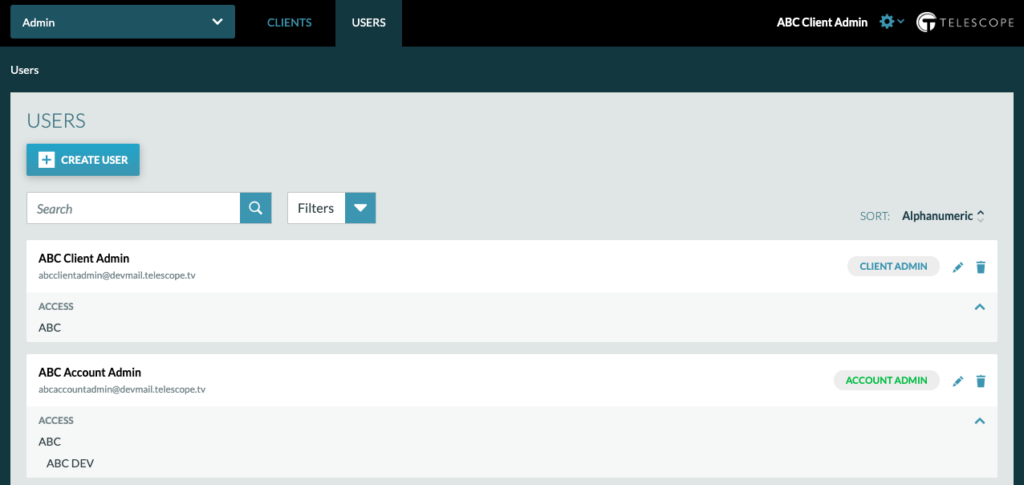
In order to manage users, you must have Client or Account Admin access. Please view Admin descriptions below.
- Client Admin: access to ALL Accounts under Client and manage all users under that client
- Account Admin: access to select Accounts under Client (can be multiple) and manage all Account Users under an account
Important Note: The user management processes detailed below applies only to users created under the Telescope management system. If your company is using a custom single sign on solution, the user management process may vary.
One way you can tell you are a Client or Account Admin, is that you will see a Users tab at the top of the page. Click the Users tab and you will be brought to the Users Dashboard.
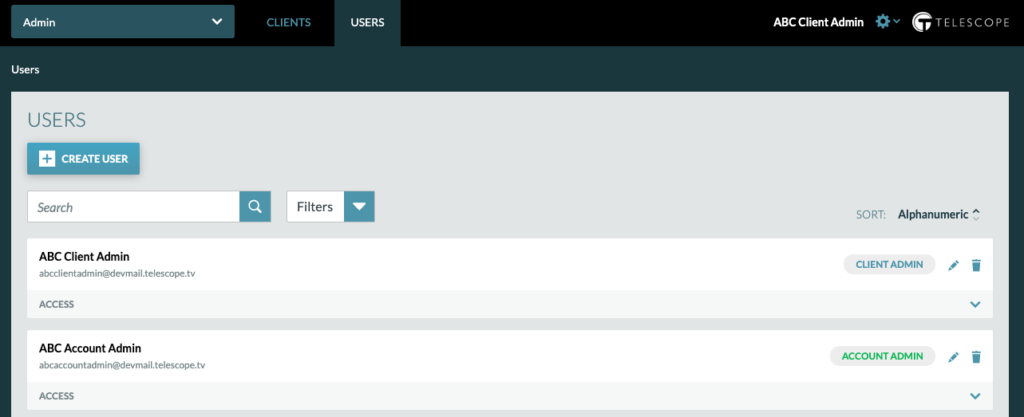
Once on the Users Dashboard, you can:
Search for Users
To search for users, click on the text box and type in the user’s name.
Filter Users by Role
To filter users by role, click the down arrow and choose the role you wish to see a list for.
Delete Users
To delete a user, click the trashcan icon corresponding to the users name.
View Users Access
To view user’s access, click on the down caret and their accounts will display.