
Once in the Snapshot Editor, the snapshot can be customized for your campaign.
Items that are available for editing will depend on the specific application (vote example shown below), but will likely include items such as the ability to edit text, links, images, colors, option names, etc.
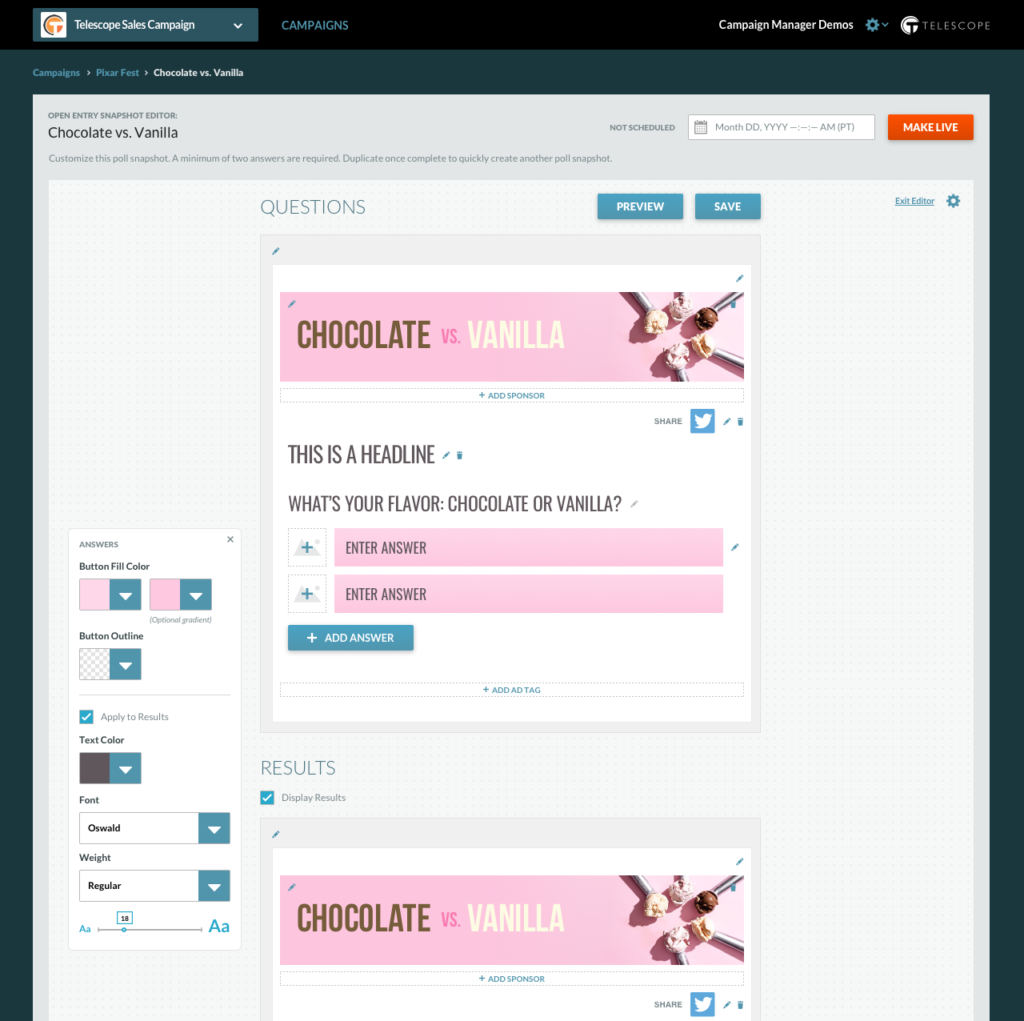
Edits made to a snapshot will show in real time once the snapshot is saved.
Note: Original data may have a cache time delay up to 10 mins.
You will also have the ability to preview the page before saving to get a view of what the end user will see. Selecting the  will open a preview of your application in a new tab.
Once you are done making changes, select the  to save your snapshot.
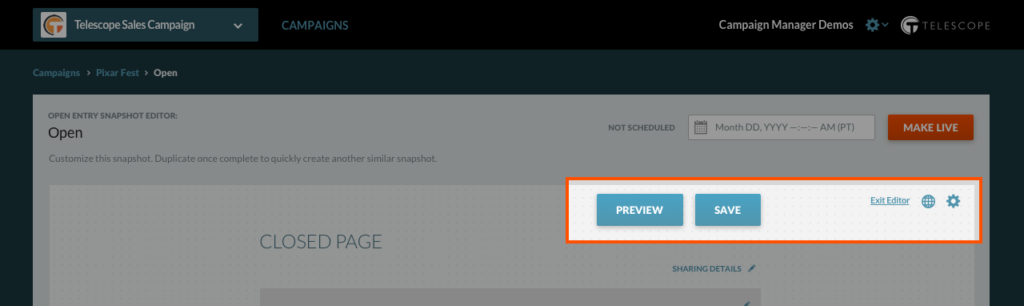
Select “Exit Editor” to return to the Snapshot Manager.