
Add interstitial messages to promote sponsors or utilize the interstitial as a “Thank You” message to signify the end of questions.
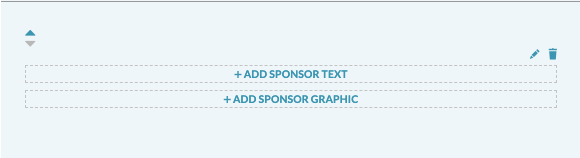
Add Sponsor Text: Click “Add Sponsor Text” to add a message from the sponsor or thank you message.
Add Sponsor Graphic: Add a large breakpoint and an optional small breakpoint for mobile. The graphic can be linked out to the sponsor site (optional).
Media Specs:
- Large Breakpoint Specs: should be at least 900px wide
- Small Breakpoint Specs: should be at least 570px wide
- Videos: Uploaded via YouTube embed. Paste a full YouTube link, including the https in the URL, to add a video.
The background color of the interstitial section can be updated.